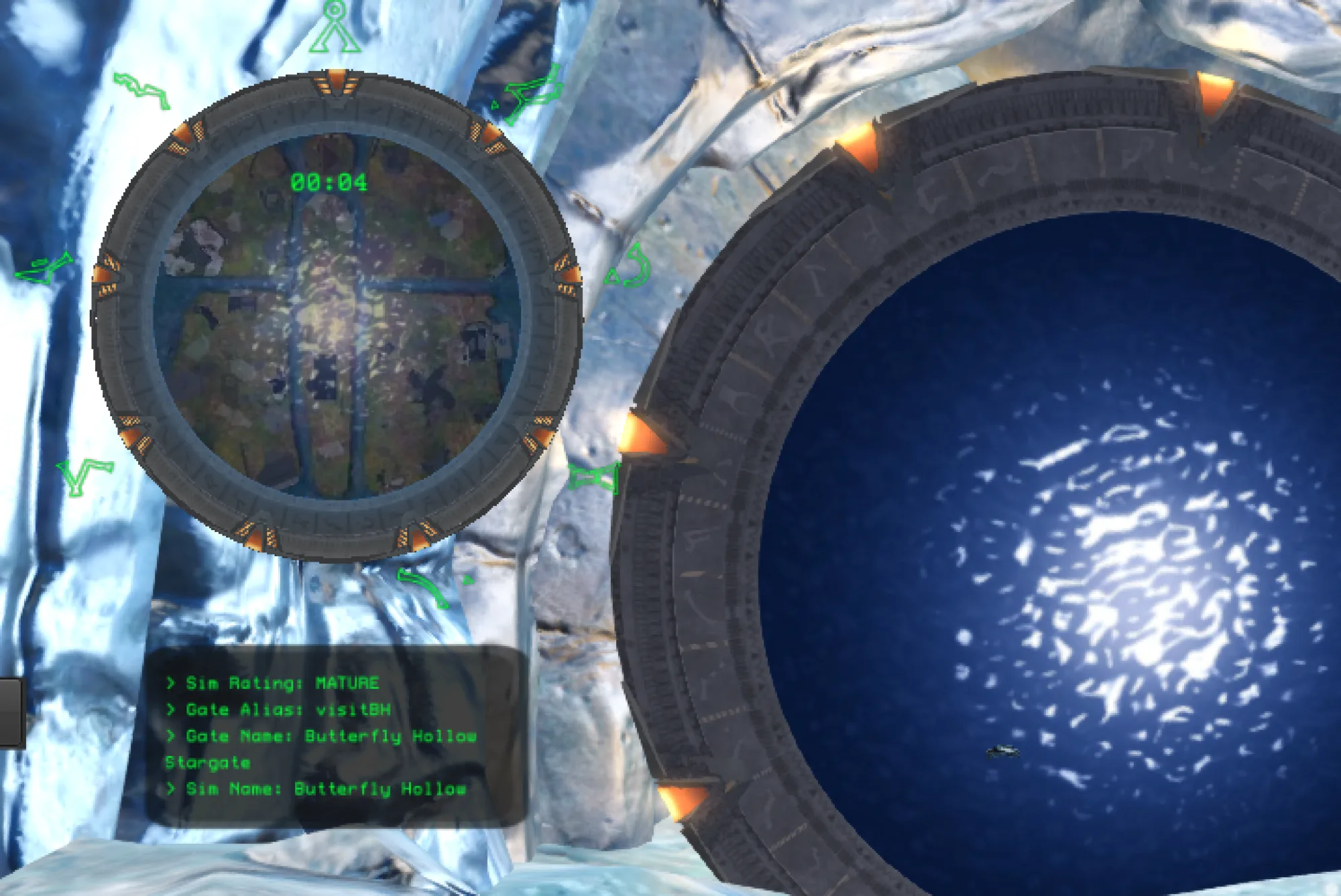
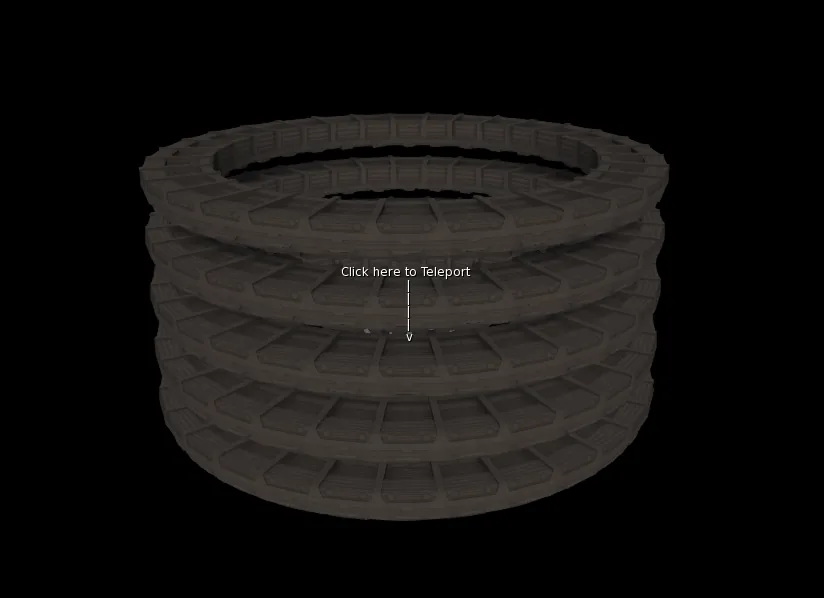
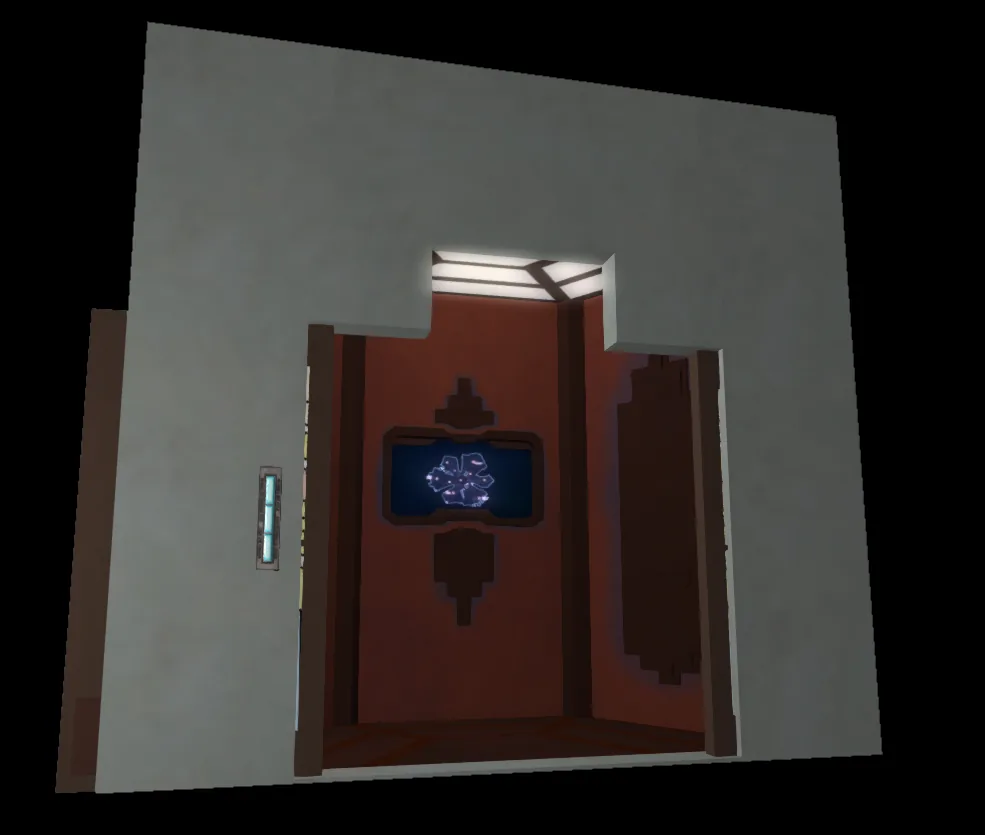
 +Alteran Transporter Mk4 — overview shot
What you're getting.
The Stargate Teleporters Mk4 are five distinct teleporter models — Alteran Transporter, Asgard Teleporter, Goa'uld Rings, Ori Rings, and Thor's Hammer — all running the same battle-tested Mk4 engine. Each model is faithful to its Stargate show origins, from the elegant Alteran cabin doors and stacked Goa'uld transport rings to the Asgard platform and the Ori's ornate ring design. All five are intercompatible: a network that includes one model sees all the others as valid destinations.
Setup takes minutes. Rez the teleporter, run the first-use Wizard to name it and assign it to a network, then repeat for each pad you want linked. Network names act as logical groups — only teleporters sharing the same network name discover each other — and a single teleporter can belong to multiple networks by separating names with commas. If a pad doesn't appear immediately, allow a moment for synchronisation; network names are case-sensitive.
The Mk4 generation adds cross-region gridwide reach via the Grid Net setting, requiring Experience or RLV. The built-in Portal web interface gives you remote access to settings and usage statistics. Access control has been overhauled: beyond the classic Owner / Public modes, Mk4 introduces an Allow List (by avatar name) and Group Keys (by UUID), checked with OR logic — a user matching either condition gains access. This same logic filters the destination list, so teleporters the user can't reach simply don't appear.
Everything in the box.
Five Stargate-themed models
Choose from the Alteran Transporter, Asgard Teleporter, Goa'uld Rings, Ori Rings, or Thor's Hammer. Each model is built around its show aesthetic while sharing the same reliable Mk4 scripting core — full intercompatibility means you can mix and match freely across a single network.
Auto-discover networking
Teleporters find each other automatically using shared network names. Add a new pad to an existing network and it appears for all other members within moments, with no manual linking required. One pad can belong to multiple networks simultaneously.
Cross-region gridwide teleport
The Mk4 Grid Net setting makes your teleporter visible and reachable from other sims across the grid. Experience mode (via the 'Vk Labs Systems' Experience) or RLVa is required, but once configured the destination list spans the entire grid.
Experience & RLVa support
Mk4 supports the 'Vk Labs Systems' Experience for seamless teleportation — no RLV relay or seat required once the Experience is added to your land. The classic TP Pad and RLVa modes remain available for full backwards compatibility.
Allow List & Group Key access control
Mk4 lets you lock a teleporter to specific avatars via an Allow List, to group members via Group Keys (UUID-based), or combine both. The two lists use OR logic: a user matching either condition is granted access. Destinations filter automatically to hide pads the user cannot reach.
Web Portal
Each Mk4 teleporter links to the Portal web interface for remote settings management and usage statistics. Quick access and password resets are available directly from the in-world settings menu.
Manual and automated locking
Toggle Lock removes a teleporter from all destination lists and prevents use — useful for events or maintenance. The Power Source API allows automated locking and unlocking from external scripted systems.
Low script count & partial mesh construction
All models are built with performance in mind: a minimal script footprint to avoid region lag, and partial mesh builds that keep land impact reasonable across all five variants (from 5 LI for the Asgard to 21 LI for the Ori Rings).
Teleport objects script included
Every pack includes a ready-to-use script that lets you teleport your own scripted objects through the network — not just avatars.
Technical details.
More from the set.
Alteran Transporter Mk4 — overview shot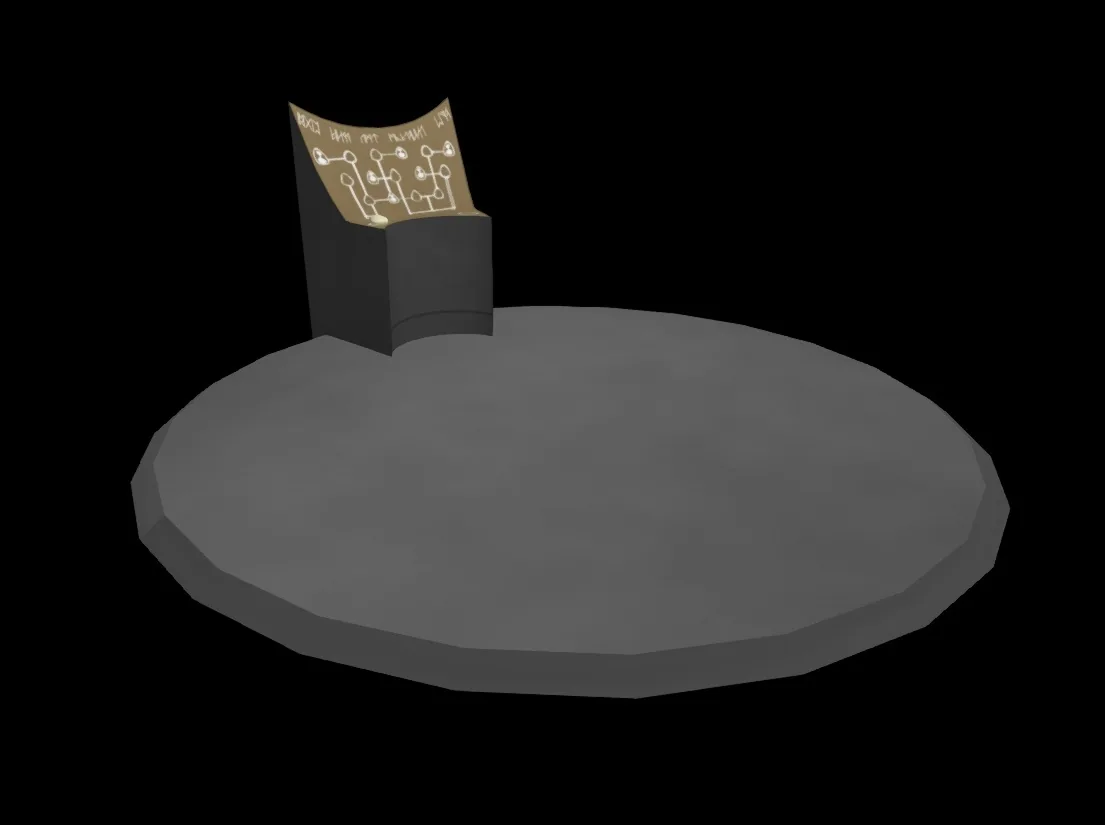 Asgard Teleporter Mk4 — in-world shot
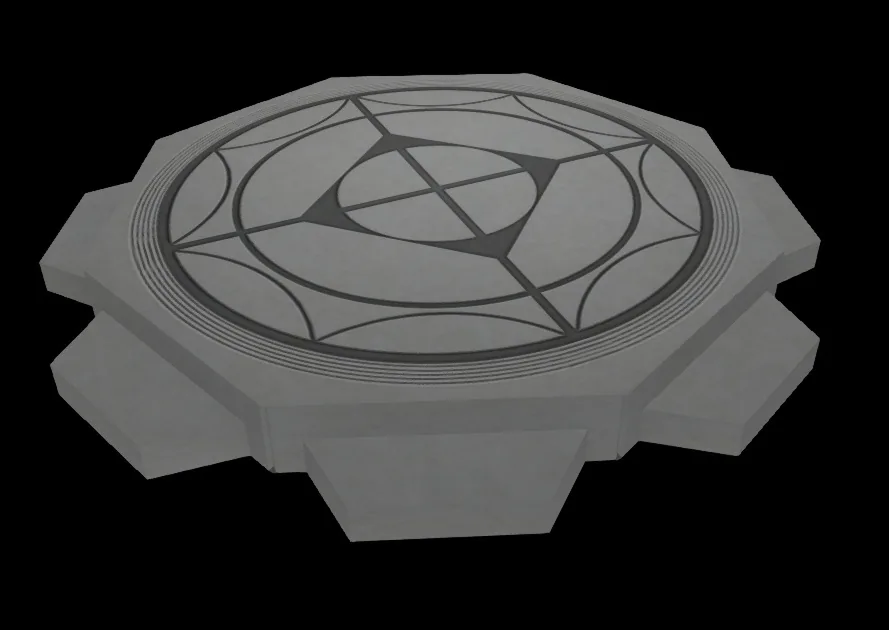 Goa'uld Teleporter Rings Mk4 — active rings
 Ori Rings and Thor's Hammer Teleporter Mk4
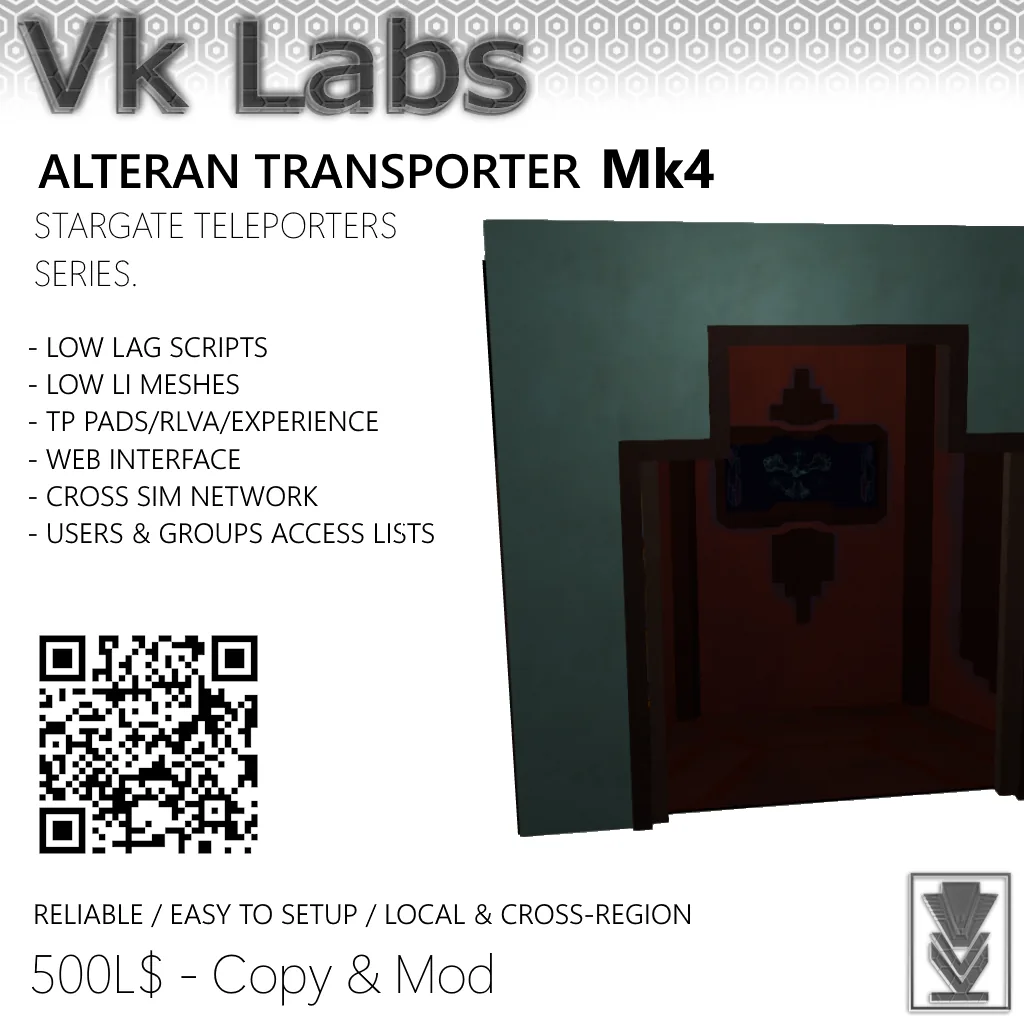 Alteran Transporter Mk4 — product render
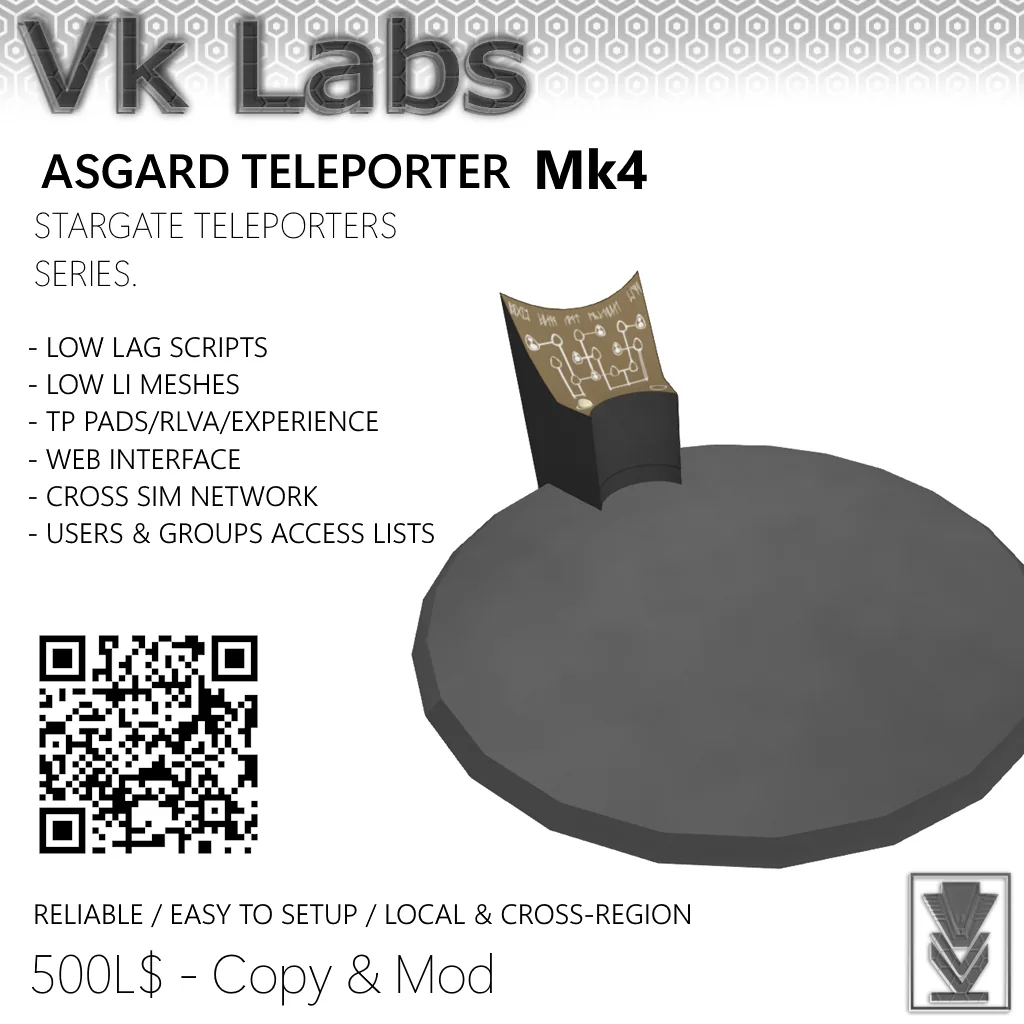 Asgard Teleporter Mk4 — product render
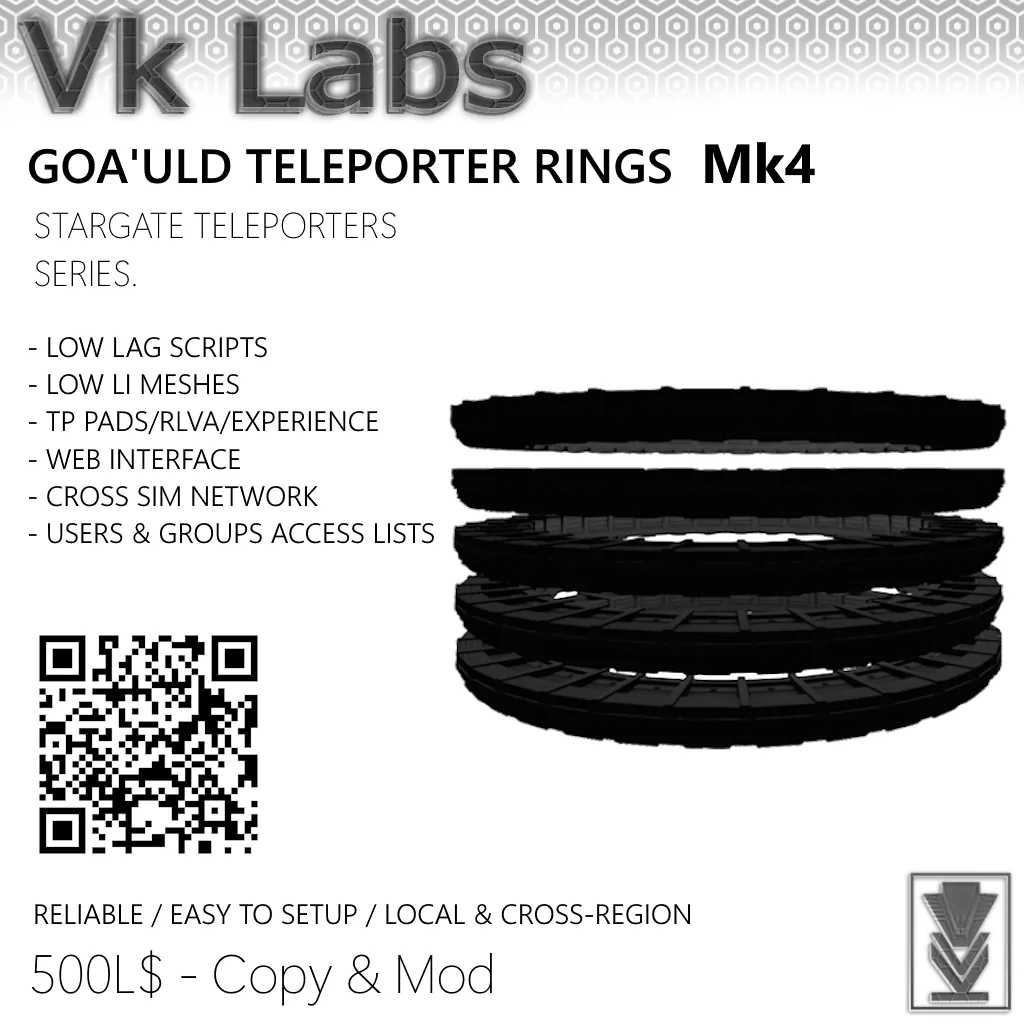 Goa'uld Teleporter Rings Mk4 — product render
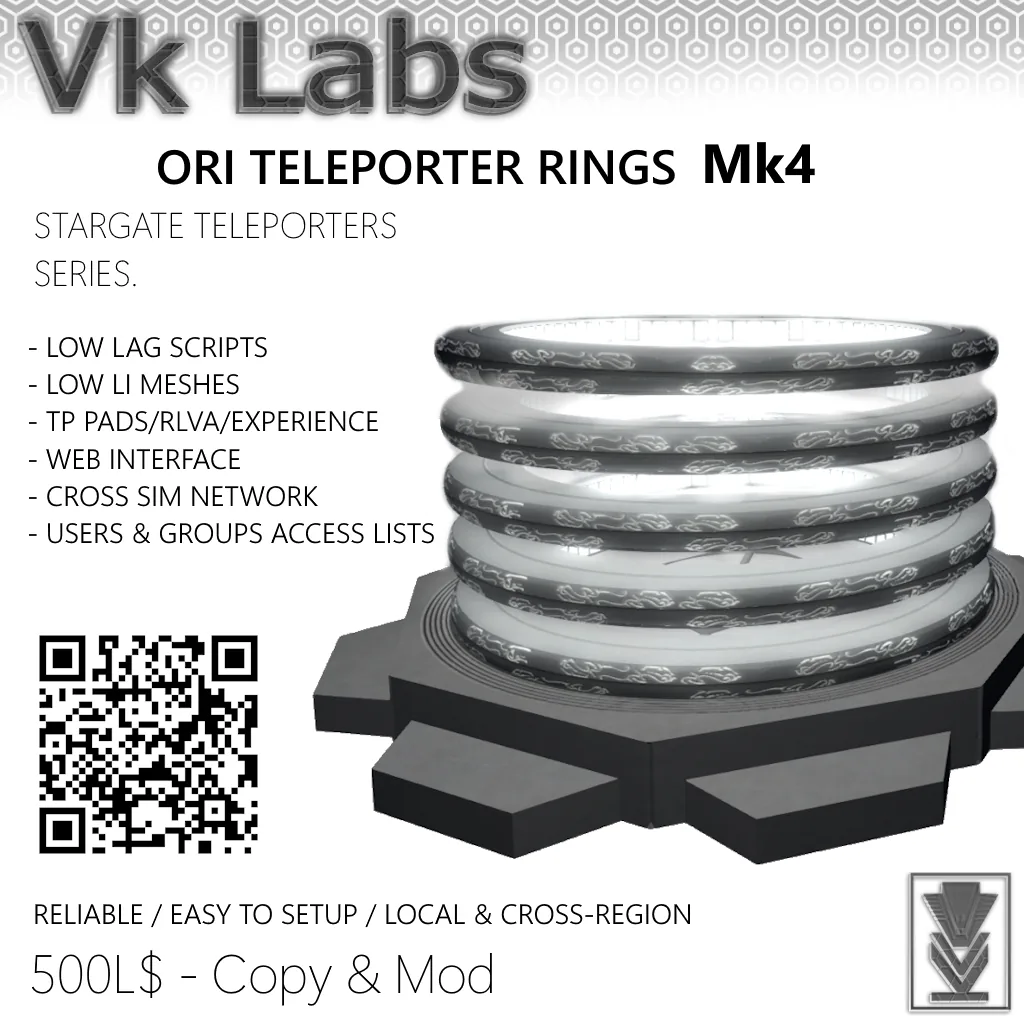 Ori Teleporter Rings Mk4 — product render
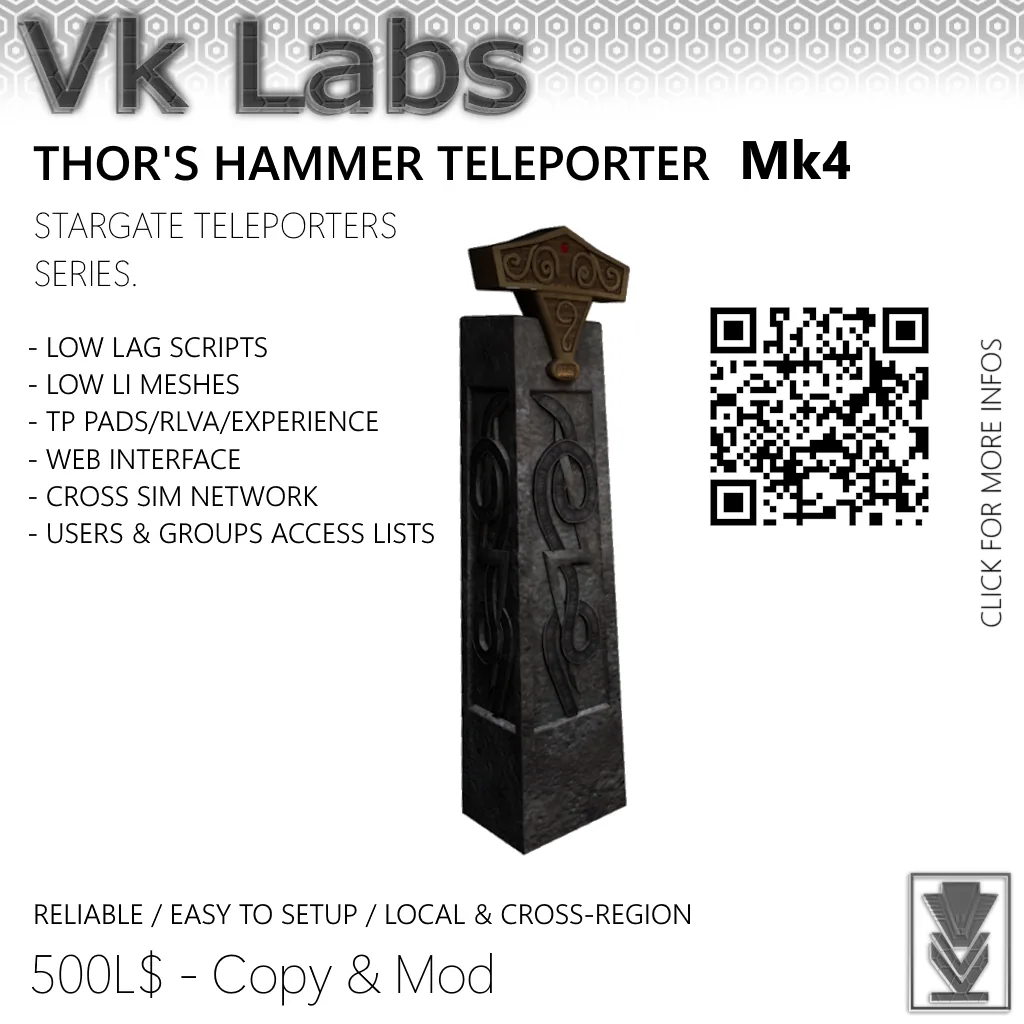 Thor's Hammer Teleporter Mk4 — product render
Setup & operation.
// Read the setup once, keep the options open as reference while you configure.
Rez and run the first-use Wizard
Rez your teleporter and follow the Wizard first-setup, which will guide you to set your teleporter's name and network. A network name is like a group of teleporters — only teleporters in the same network will see each other. You can set up multiple networks in the same teleporter by separating the network names with commas.
Repeat for all pads
Repeat this process until you have all your teleporters rezzed where you want them to be. If your teleporters don't show up yet, allow a moment for synchronisation. If one or more are still missing, verify your network names — they must match exactly and are case-sensitive.
Rename or redescribe at any time
You can always change your mind and rename the teleporter or change its description later from the settings menu.
Add the Experience to your land (for Experience mode)
To use Experience mode, right-click your land and select About Land (or open it from World > Parcel Details). Go to the Experiences tab, click Add in the Allowed Experiences section, then search for 'Vk Labs Systems' and select it.
Every release, in order.
- Alteran Transporter & Asgard Teleporter: fix for list navigation.
- Alteran Transporter & Asgard Teleporter: fix for HTTP error.
- Note: teleporters older than Mk4.1.0 no longer work on the Portal/Grid network following the PHP removal.
- Asgard Teleporter: small fix for TP effect delay and improvement in user positioning.
- Asgard Teleporter: improvements in the settings menu for Grid settings (added sub-settings).
- Fixed Grid Network showing 'There are no available grid destinations' for all teleporters.
- Fixed Asgard TP FX rezzing in the floor; improved timing.
- Fixed settings menu not showing the 'Top Rezzer' button for Goa'uld Rings and keeping dialog message content when it should not.
- Added light projection to the Top Ring rezzer of the Goa'uld Rings.
- Updated Superpack to Mk4.
- Alteran Transporters 4.0.6: hotfix for interaction not registering correctly.
- Mk4 release for all Stargate teleporters: Goa'uld Rings, Ori Rings, Alteran Transporter, Asgard Teleporter, and Thor's Hammer.
- Added Cross-Region/Gridwide teleport system via Grid Net setting.
- Added web Portal for remote settings management and statistics.
- Added Access Lists mode: Allow List (by avatar name) and Group Keys (by UUID) with OR logic.
- Reworked FX for all models: Goa'uld and Ori Rings emit light following particles; Alteran Transporter uses a new white container effect with glow on doors; Asgard FX adapts to avatar size with light emission; Thor's Hammer adds light projection on activation.
- Added Experience mode: select 'Experience' in TP Mode settings — requires adding 'Vk Labs Systems' Experience to your land, but eliminates the need for seats or RLV relays.
- Refined animation for Thor's Hammer Teleporter.
- Refined animation timing for the Alteran Transporter; fixed buttons being difficult to click.
- Adjusted RLVa and Experience interaction range so users no longer need to stand at the exact center.
- Fixed missing TP effect on the Asgard Teleporter when using RLVa or Experience.
- Improved TP Pad visibility and disappearance timing during transport.
- Adjusted spawn height of the Ori Rings to avoid sim floor collision.
- Alteran Transporter: fixed issue where the TP Pad would not rotate to match the destination, causing users to possibly arrive outside the cabin.
- Ori Rings and Goa'uld Rings: quick improvements in rings rez distance to avoid ground clipping in edge cases. It is still recommended not to place rings inside the sim ground.