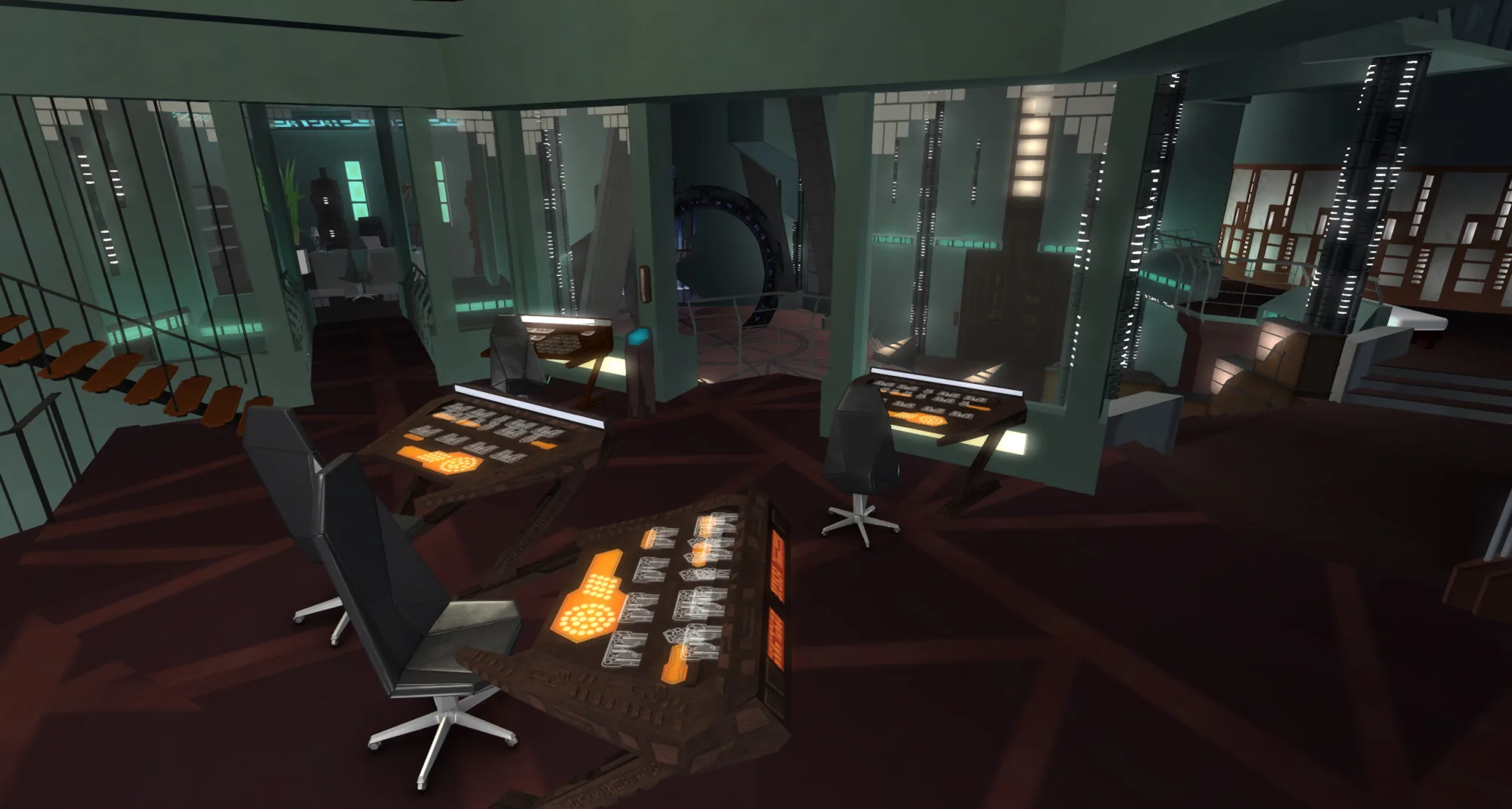
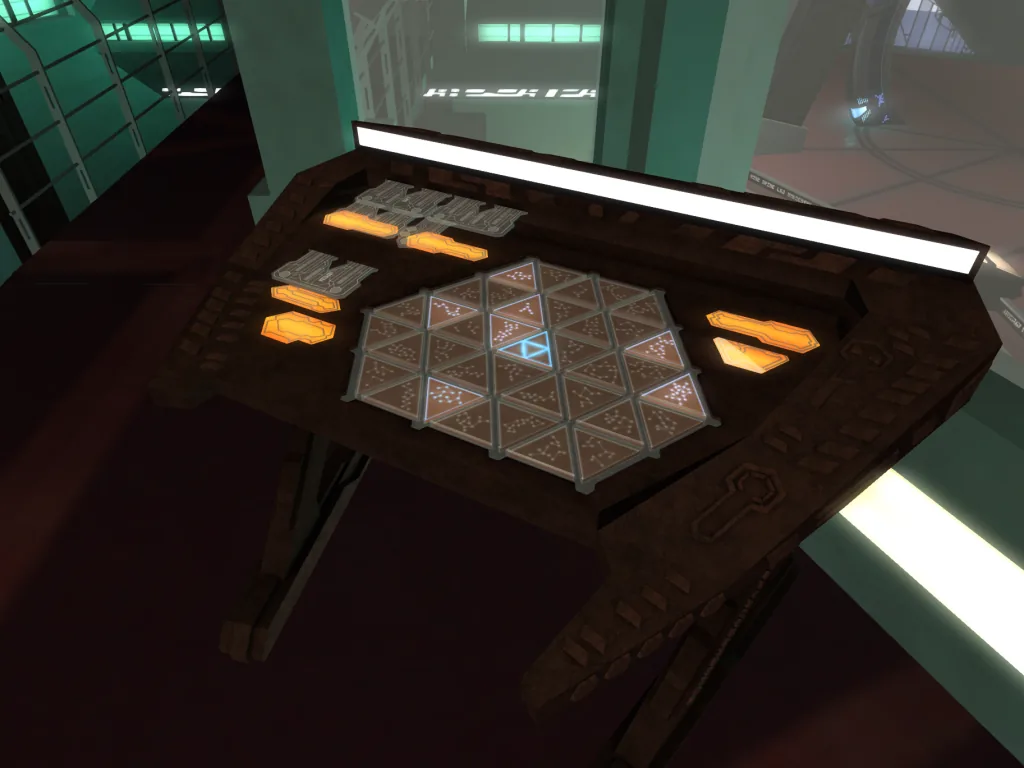
 +Jumper Bay — animated overview of the floor hangar bay opening
What you're getting.
The Atlantis Mk3 Jumper Bay is a dedicated add-on that brings the Puddle Jumper hangar of the Ancient city-ship to your Second Life Gateroom. Designed specifically as an extension to the Mark 3 Gateroom build, it uses partial mesh construction and slots into position automatically via the included Rezzer — no manual alignment required.
The bay provides everything needed for a fully functional Jumper operations deck. Animated doors open and close to let avatars and vehicles move freely between the hangar and the Gateroom level, while stair and teleporter access keeps the space easy to navigate without breaking immersion. The top and side exterior views use the same scenery system as the Gateroom, so the windows stay consistent across both builds regardless of which backdrop or light mood is active.
A display Puddle Jumper is included in the box to dress the bay straight out of the rezzer, giving the space immediate visual depth. With full Copy and Modify permissions and approximately 450 land impact, the Jumper Bay is built to be a permanent fixture of any serious Stargate: Atlantis roleplay environment.
Everything in the box.
Partial mesh construction
The Jumper Bay is built using high-quality partial mesh, delivering clean geometry and crisp LODs throughout the hangar structure. Set your viewer's LOD Factor to 4.0 or above for best results with detail elements.
Animated access doors
Fully animated doors connect the Jumper Bay to the Gateroom level and to the exterior, opening and closing on demand. They are large enough to accommodate vehicles, making the bay functional for actual Puddle Jumper flight sequences.
Stair and teleporter access
Both stairway and teleporter routes connect the Jumper Bay to the rest of the Gateroom structure, giving avatars flexible navigation options without breaking the flow of a scene or event.
Matching exterior views
The top and side exterior windows of the Jumper Bay share the same view system as the Gateroom, keeping scenery and light mood consistent across both builds when you switch exterior backdrops from the Hand Terminal.
Technical details.
More from the set.
Jumper Bay — animated overview of the floor hangar bay opening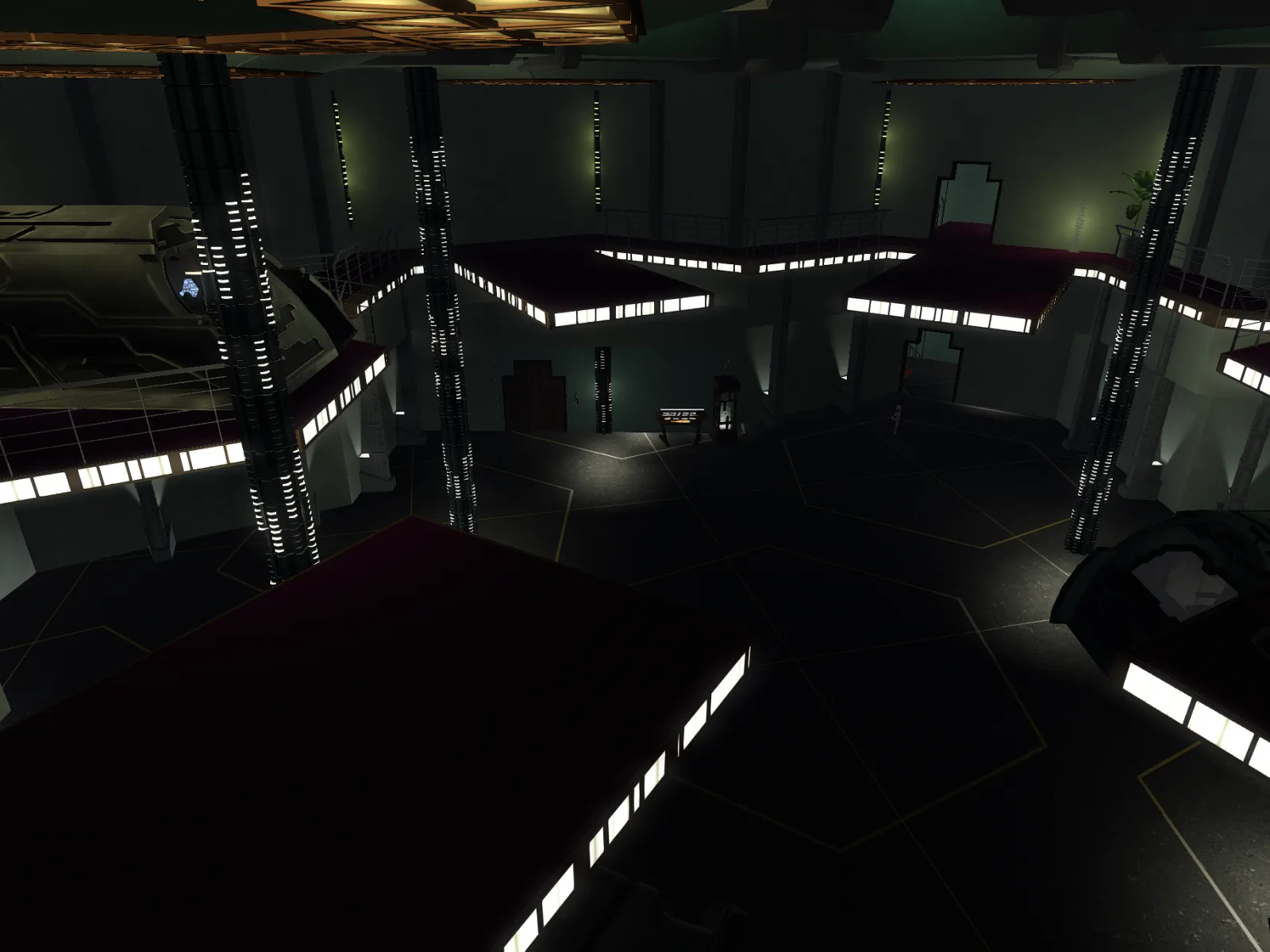 Interior view — jumper bay upper level
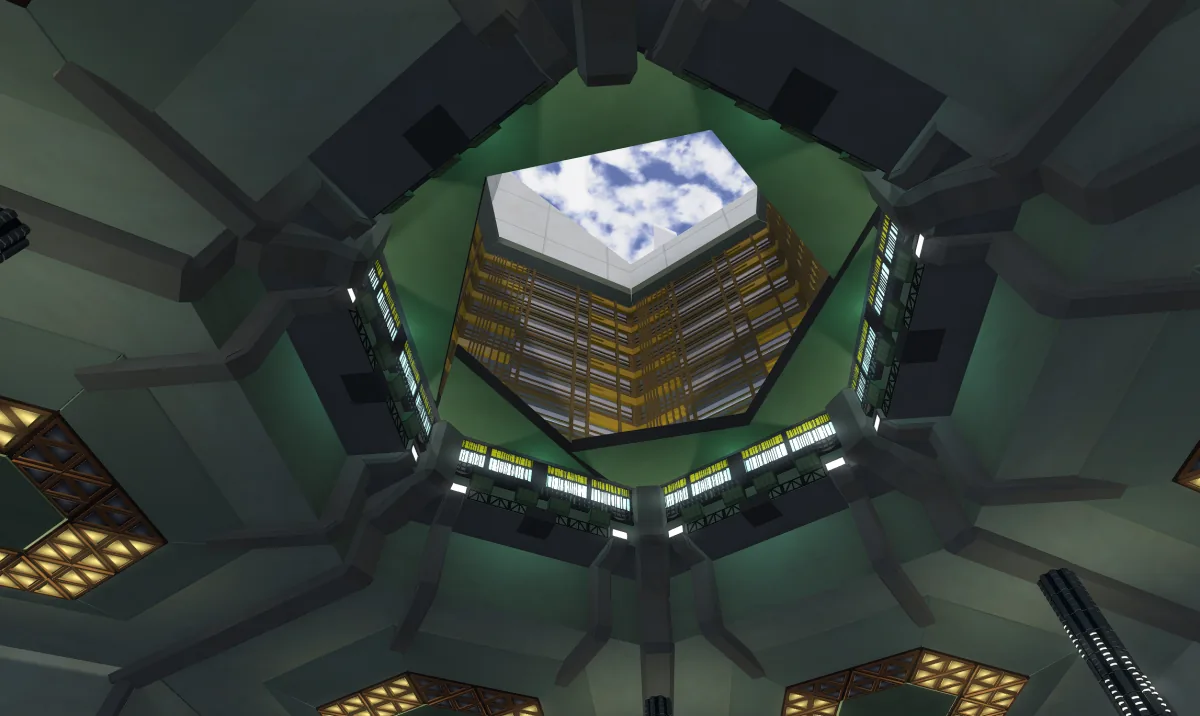 Jumper Bay roof — access point and approach details from the roof
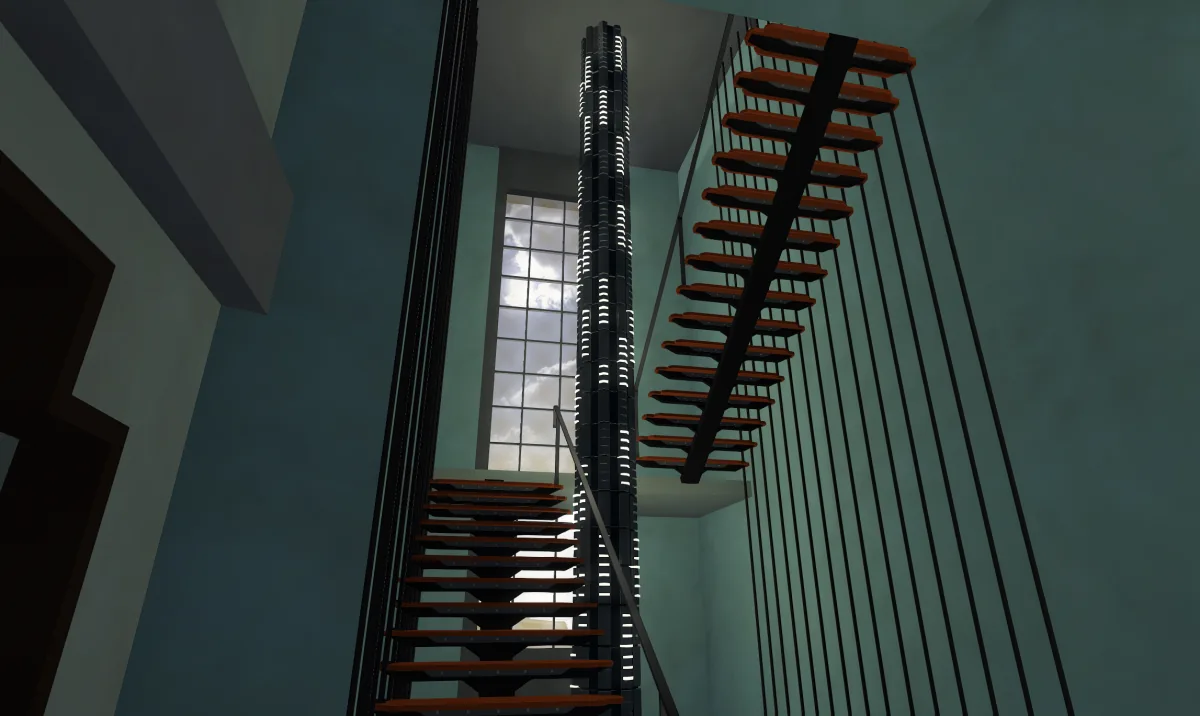 Staircase between floors with 3D scenery matching the current gateroom setting
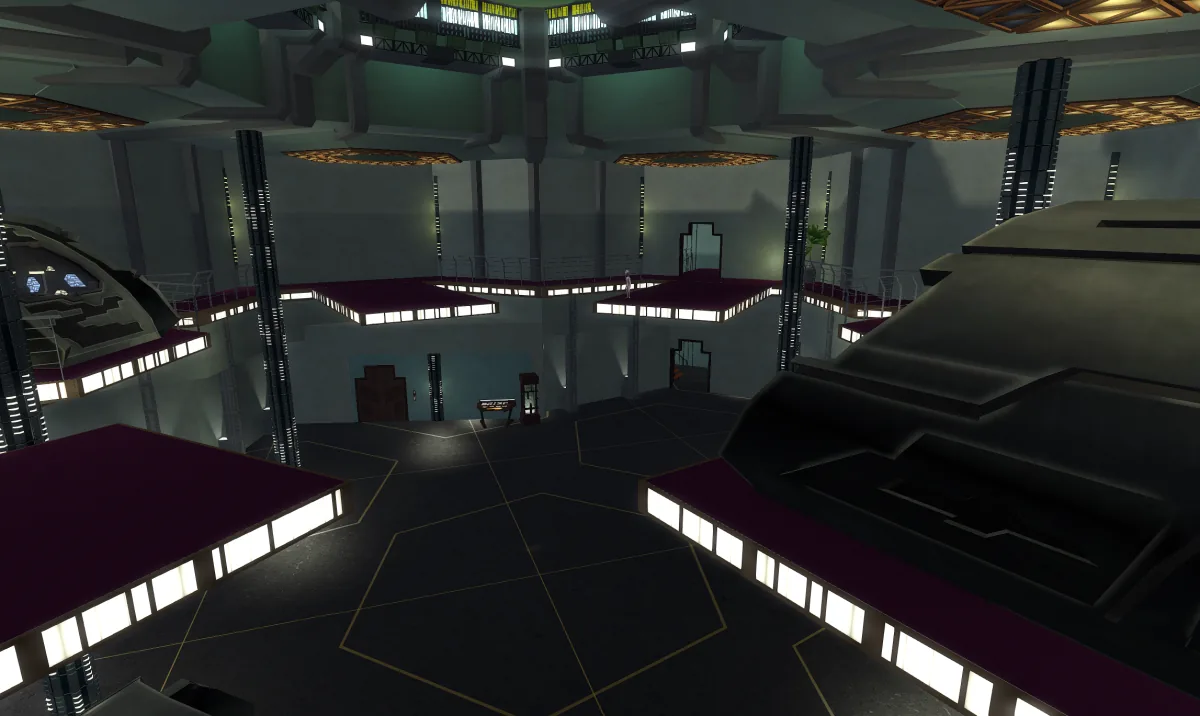 Jumper bay with example Jumpers for scale
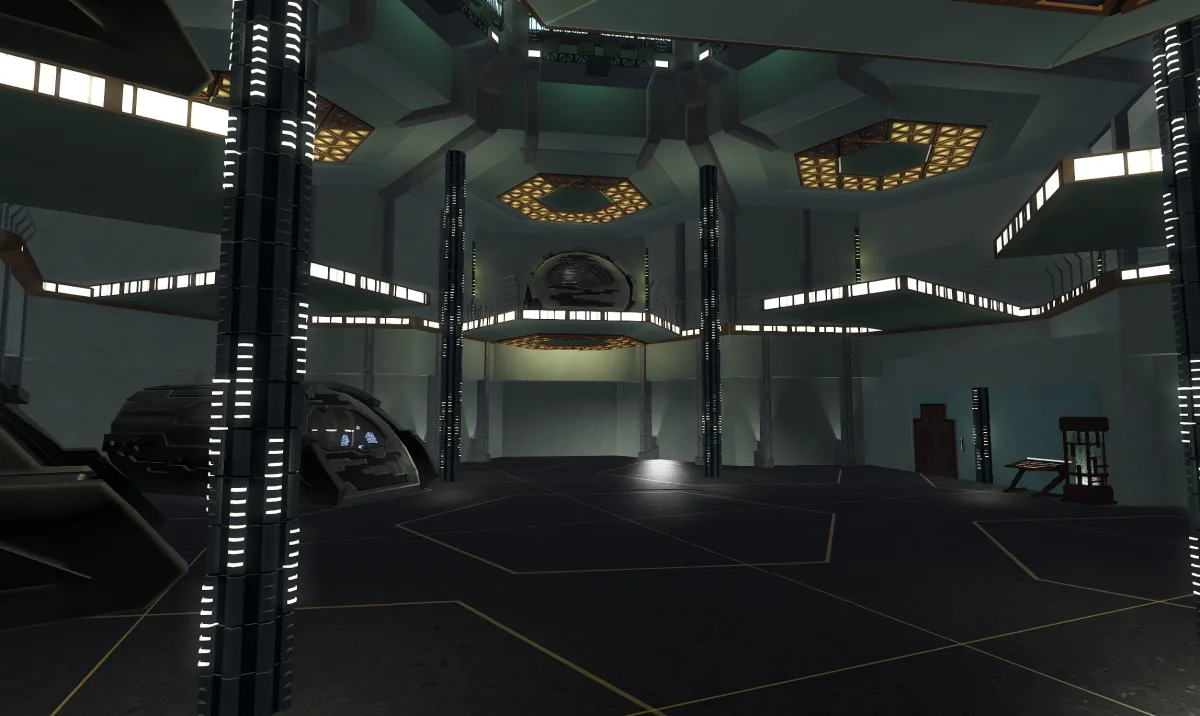 Full bay overview — Jumper Bay structure
Setup & operation.
// Read the setup once, keep the options open as reference while you configure.
Rezzing the Jumper Bay
Rez the Rezzer inside your Gateroom. It will automatically position itself at the correct location to align with the Gateroom structure. Click it and select "Rez" to begin. Once the build is complete, select "FINISH" and you can remove the Rezzer.
Every release, in order.
- Initial release. Partial mesh Atlantis Jumper Bay add-on for the Mk3 Gateroom, with animated access doors, stair and teleporter navigation, matching exterior views, display Puddle Jumper, and ~450 LI. Copy and Modify permissions.