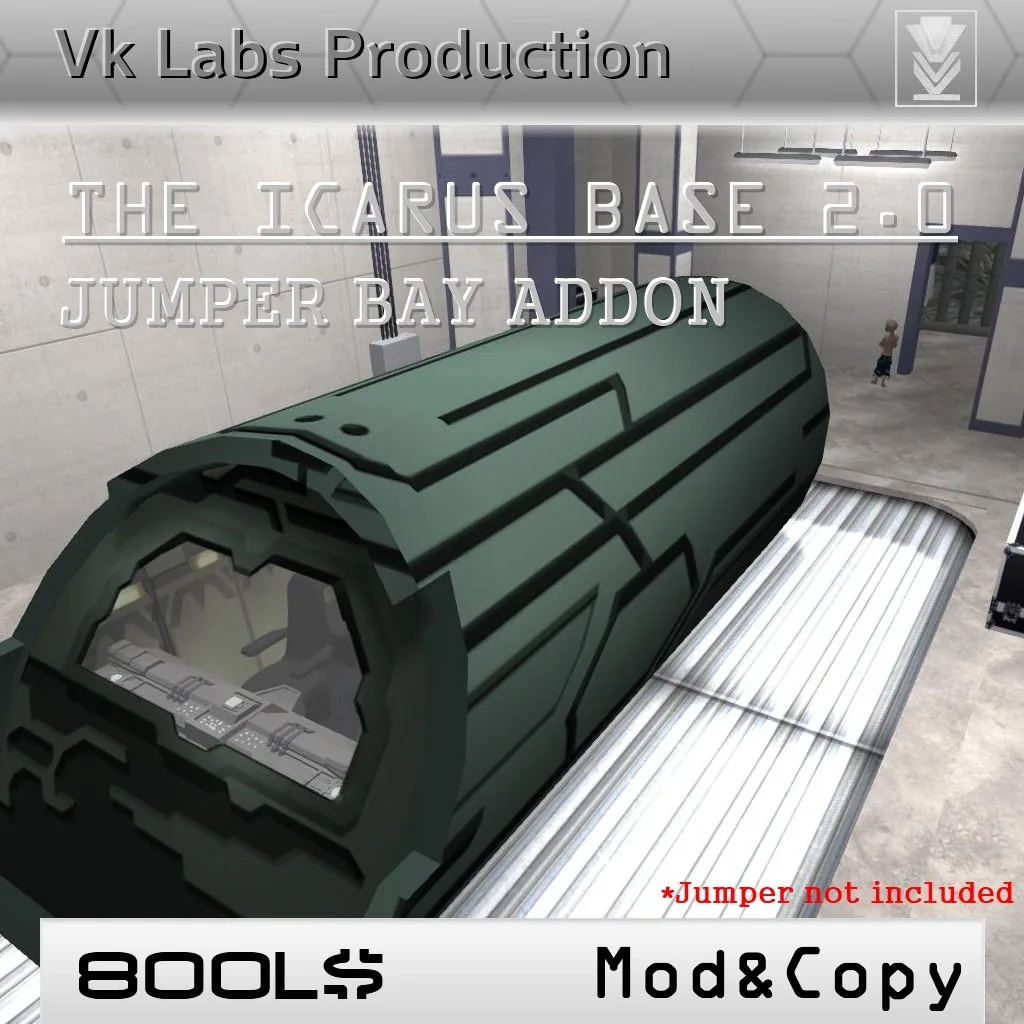
 +Icarus Base 2.0 Jumper Bay Addon — bay with scripted roof door
What you're getting.
The Icarus 2.0 Jumper Bay is a standalone addon for the Icarus Base 2.0 that adds the Puddle Jumper hangar — the cavernous underground bay where Icarus Base's complement of Jumpers sat ready for deployment through the Stargate.
The roof door is fully scripted and opens on command, allowing compatible Puddle Jumpers to enter and exit just as they do on screen. The bay itself is detailed with landing markings, equipment racks, and the characteristic SGU industrial lighting. Jumper not included.
Everything in the box.
Scripted roof door
The Jumper Bay roof opens and closes on click, providing a realistic launch and recovery sequence for any compatible Puddle Jumper vehicle.
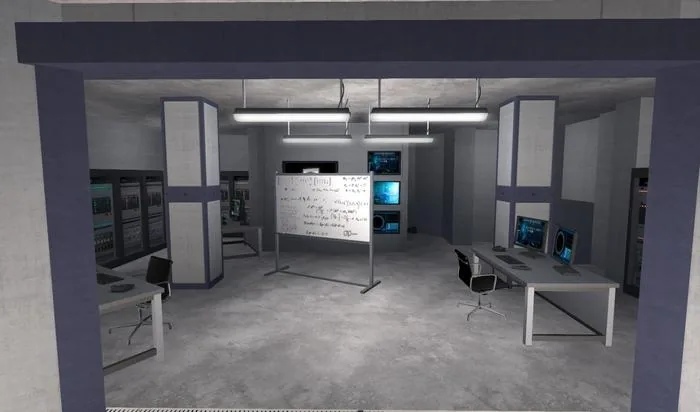
Detailed interior
The bay features landing zone markings, equipment staging areas, and fully scripted lighting consistent with the rest of the Icarus Base build.
Copy and Modify permissions
Full **Copy and Modify** permissions let you reposition and adapt the bay to connect seamlessly with your Icarus Base layout.
Technical details.
More from the set.
Icarus Base 2.0 Jumper Bay Addon — bay with scripted roof door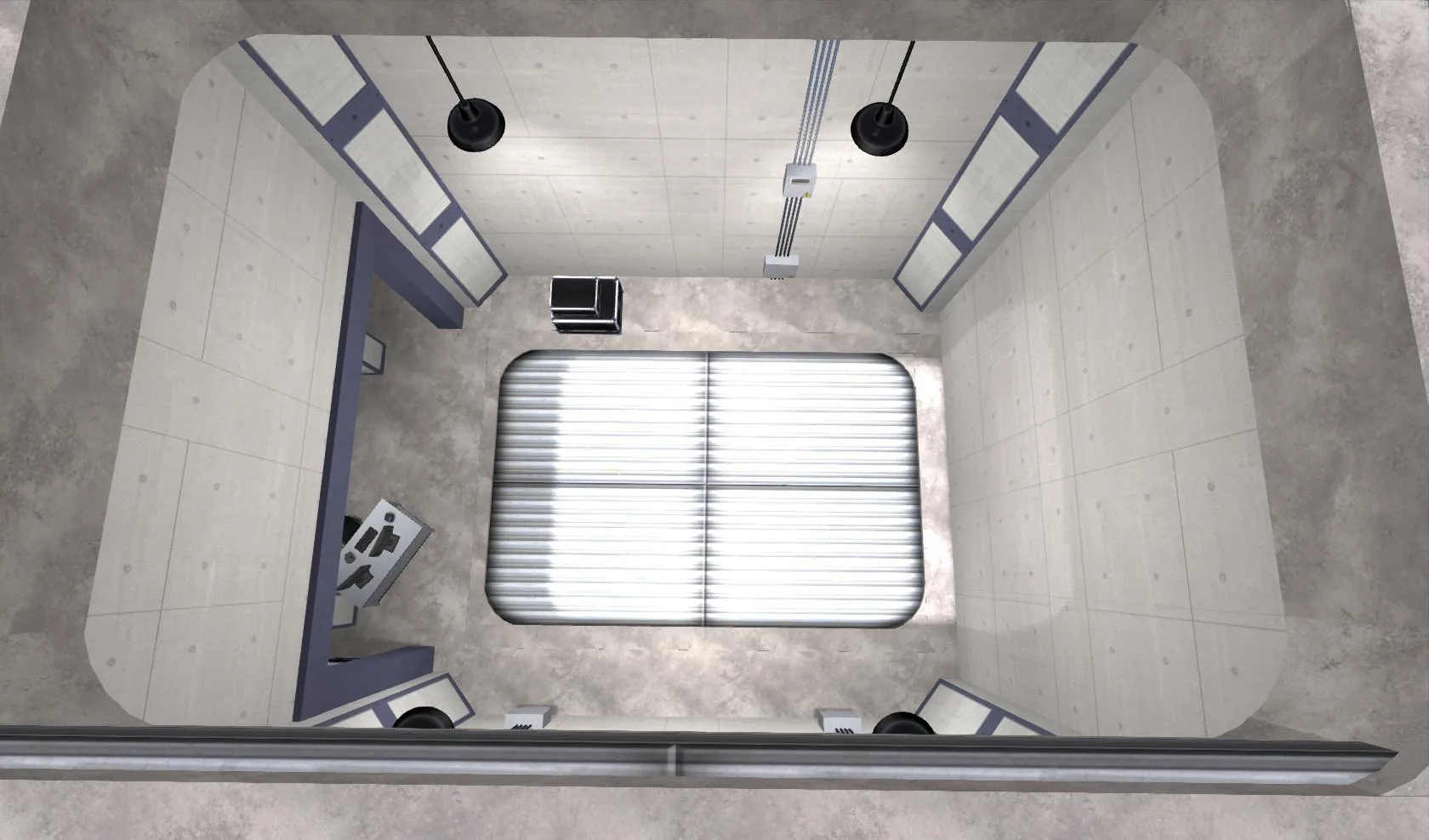 Jumper Bay — overhead view of the hangar floor
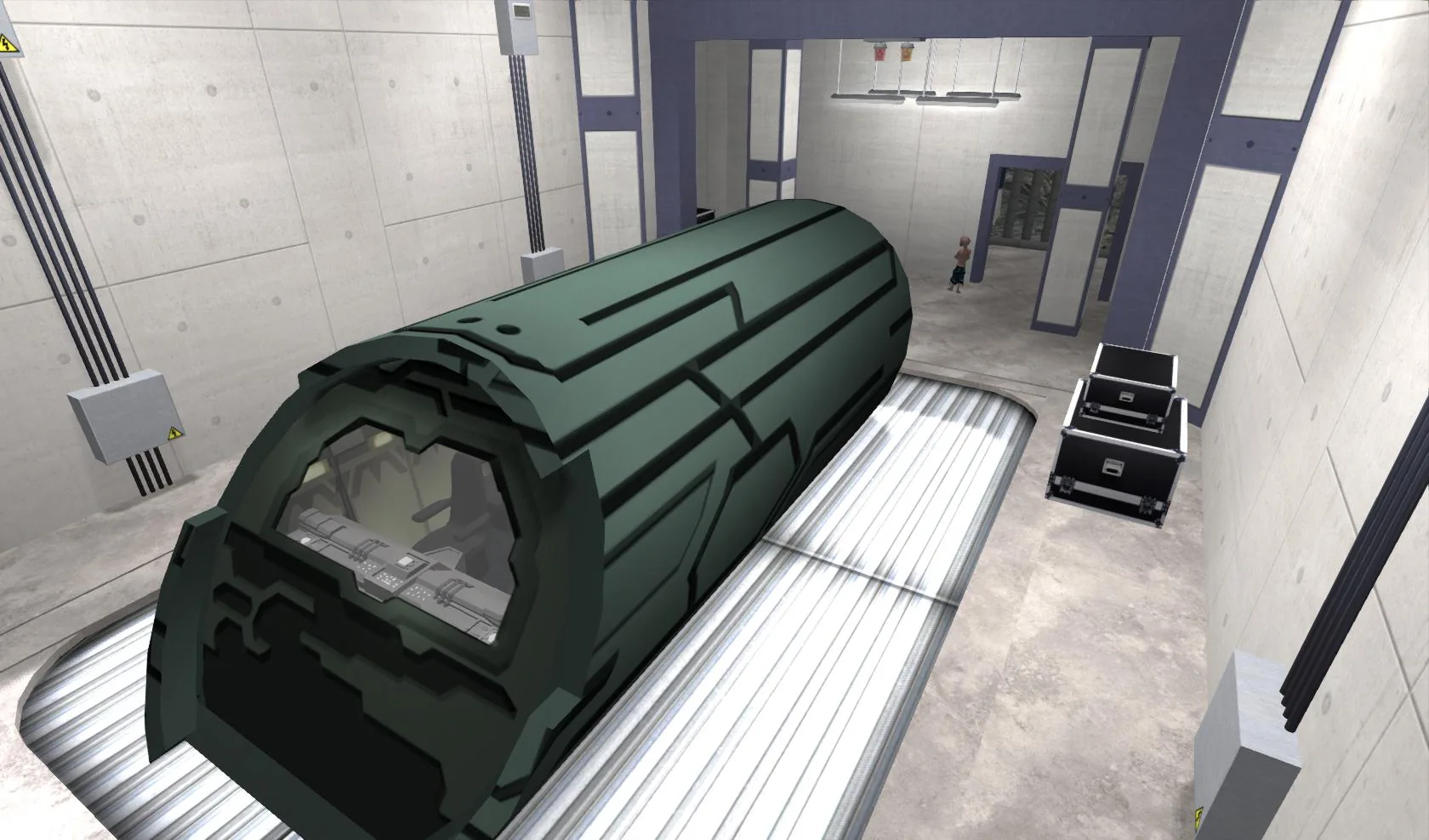 Puddle Jumper docked in the bay — roof door closed
Setup & operation.
// Read the setup once, keep the options open as reference while you configure.
Rez and align with the main build
Rez the Jumper Bay Addon and position it at the designated bay connection point of your Icarus Base 2.0 scene. The bay is designed to slot into the base footprint — use Edit > Align to match up the walls.
Test the roof door
Click the roof door control panel to verify open and close scripting is functioning. If your sim has high physics load, allow a moment for the door animation to complete.